
Bottom Line Up Front (BLUF)
Three out of four business owners are currently deploying automation to handle manual chores, yet most lack the operational boundaries required to keep those workflows from breaking. When scripts, triggers, and AI agents run unchecked without strict data validation, they corrupt ledgers, alienate clients, and burn out the team members forced to clean up the mess. Protecting operating margins and team sanity requires treating automation not as a set-and-forget miracle, but as an internal system that demands hard stops, validation rules, and explicit human review gates before touching production data.
The Hidden Cost of Blind Automation
Most business owners buy into automation for a simple reason: margin protection. When team members spend twenty hours a week copy-pasting data between spreadsheets, invoicing clients, and routing intake forms, payroll dollars leak away on administrative repetition.
The initial instinct is to deploy tools that promise immediate speed. Yet, speed without constraints creates a secondary tax. A poorly configured workflow does not just fail quietly; it propagates bad data across your entire tech stack at machine speed. If an automated script misreads a decimal point on a vendor invoice or pushes unvalidated customer records into the CRM, your team spends triple the saved hours hunting down discrepancies and repairing corrupted records.
That dynamic destroys team trust faster than any manual bottleneck ever could. When employees spend their mornings auditing what the automation did overnight, anxiety replaces efficiency. They stop relying on the tools and start double-checking every output by hand, defeating the entire purpose of the investment.
Defining the Safe Automation Threshold
To keep automation an asset rather than an operational liability, you must establish a clear operational threshold. This boundary separates tasks that are safe for total machine autonomy from those that require a human sign-off.
The rule of thumb is straightforward: determinism dictates autonomy.
- Deterministic Tasks (Full Automation): These are rules-based operations with fixed inputs and predictable outputs. Moving a standardized PDF attachment from an email inbox to a designated local folder, pinging a Slack channel when a server status drops, or formatting a CSV file before an import. If the logic is strictly if-this-then-that with zero ambiguity, let the machine run.
- Probabilistic or High-Stakes Tasks (Human-in-the-Loop): These operations involve interpretation, financial movement, or direct customer communication. Extracting line items from a messy supplier invoice using optical character recognition, drafting custom response emails to angry clients, or pushing updates to active accounting ledgers. These workflows require a hard stop—a staging queue where a human team member reviews the output and clicks a single approval button.
Building these verification gates into your workflow architecture protects data integrity without sacrificing the speed gains that justified the project in the first place.
Guardrails That Protect Data Integrity and Team Sanity
Implementing safety thresholds requires practical technical constraints inside your workflow builder or custom scripts. Relying on vendor promises of zero-error operation is a quick route to an expensive operational audit.
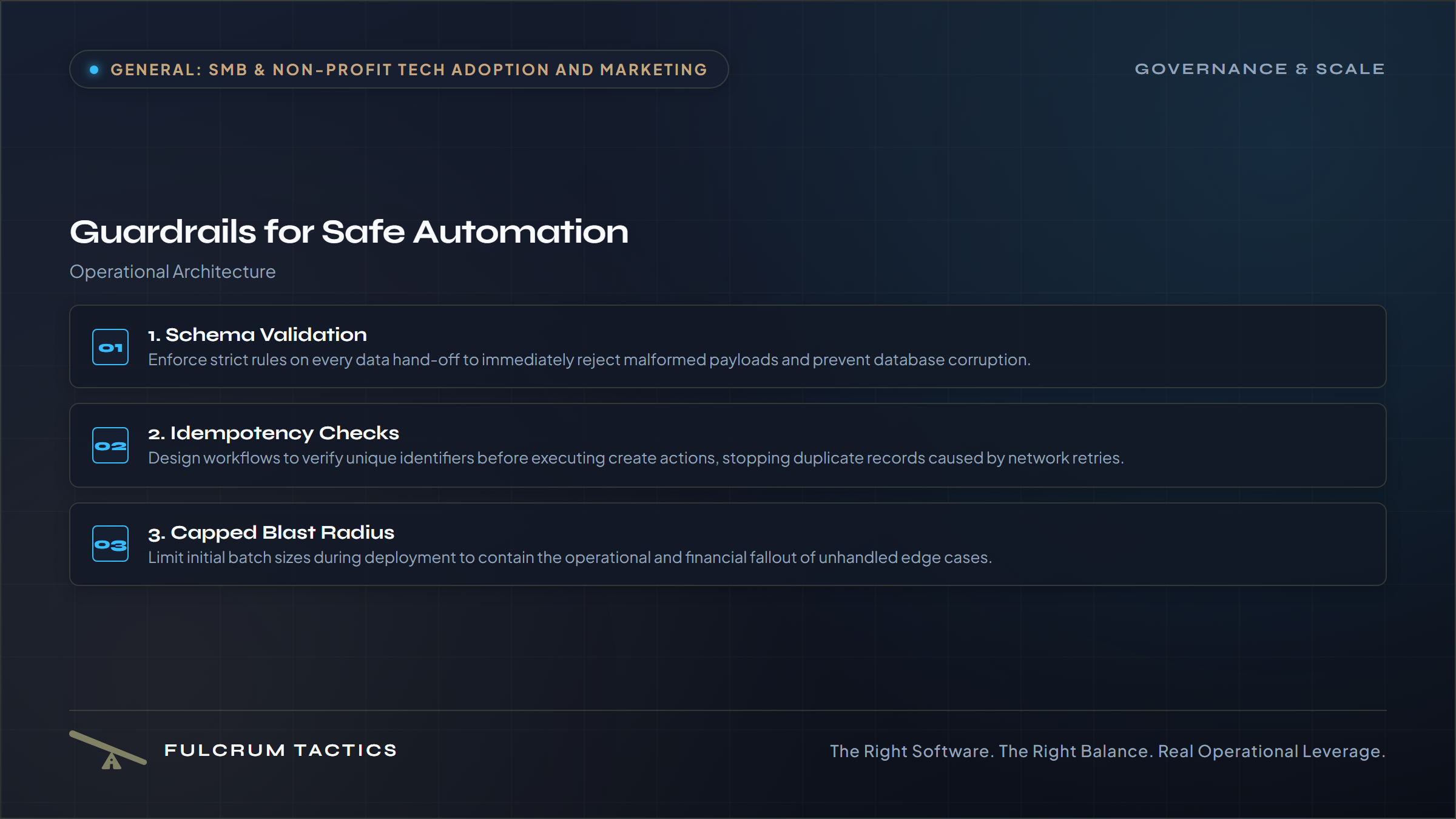
1. Schema Validation at Every Hand-Off
Every time data moves from one tool to another, enforce strict schema rules. If an incoming webhook or CSV import expects a numeric integer for a quantity field and receives text, the automation should reject the payload immediately and send an alert to an internal Slack channel or email address. Allowing malformed data to slip silently into your databases creates downstream corruption that takes days to diagnose.
2. Idempotency and Duplicate Checks
Automated triggers frequently fire twice due to network timeouts, API retries, or user double-clicks. If your automation creates a new customer profile or generates an invoice every time a trigger runs, a single network glitch will double-bill clients or clutter your database with ghosts. Design your workflows to check whether a record already exists based on a unique identifier—such as an email address or invoice number—before executing a create action.
3. Capped Blast Radius
Never let a bulk automation run against an entire database on its first deployment. Build filters that limit batch sizes during initial testing. If you are updating customer records, run the script against a sample size of five before letting it process five hundred. This practice limits the financial and operational fallout when an edge case breaks your logic.
Protecting Operating Margins Through Software Ownership
When evaluating tools to build these guardrails, pay close attention to the financial structure of the software you deploy. Many commercial automation platforms penalize growth by charging per execution, per step, or per active user. As your transaction volume scales, your monthly overhead climbs right alongside it, squeezing your operating margins just as you thought you were gaining leverage.
Moving toward organization-owned code or lightweight, self-hosted orchestration tools changes the math entirely. Paying a flat hosting fee or building internal scripts that run on your own infrastructure eliminates recurring per-task taxes. You keep your CapEx predictable, avoid the trap of runaway SaaS subscriptions, and retain full control over your data pipelines.
Automating your operations should expand your capacity to serve clients and protect your team from burnout. By setting explicit guardrails, enforcing strict data validation, and keeping humans in the loop where stakes are high, you turn automation into a dependable engine for sustainable growth.